


 Surendar subramani
 02/07/2026
 IFS
IFS 0 Comments
Legacy Application Migration to Cloud: A Step-by-Step Guide for Enterprise Modernization
Most enterprises do not wake up one day and decide to modernize. It usually starts with a smaller frustration: a system that takes too long to update, a report that should take minutes but takes days, or a vendor who announces they are dropping support for a platform you still depend on. Over time, these small frustrations add up, and businesses realize their legacy infrastructure has quietly become the biggest obstacle to growth.Legacy application migration to the cloud is how enterprises break out of that cycle. It is not just about moving files and servers somewhere new. Done right, it is a structured shift that gives your business the flexibility, security, and scalability that on-premise systems were never designed to deliver.
This guide walks through what legacy application migration actually involves, the challenges enterprises run into, and a clear seven-step process to get it right, along with how the right ERP foundation and the right implementation partner can make the entire journey smoother.
What Is Legacy Application Migration to Cloud?
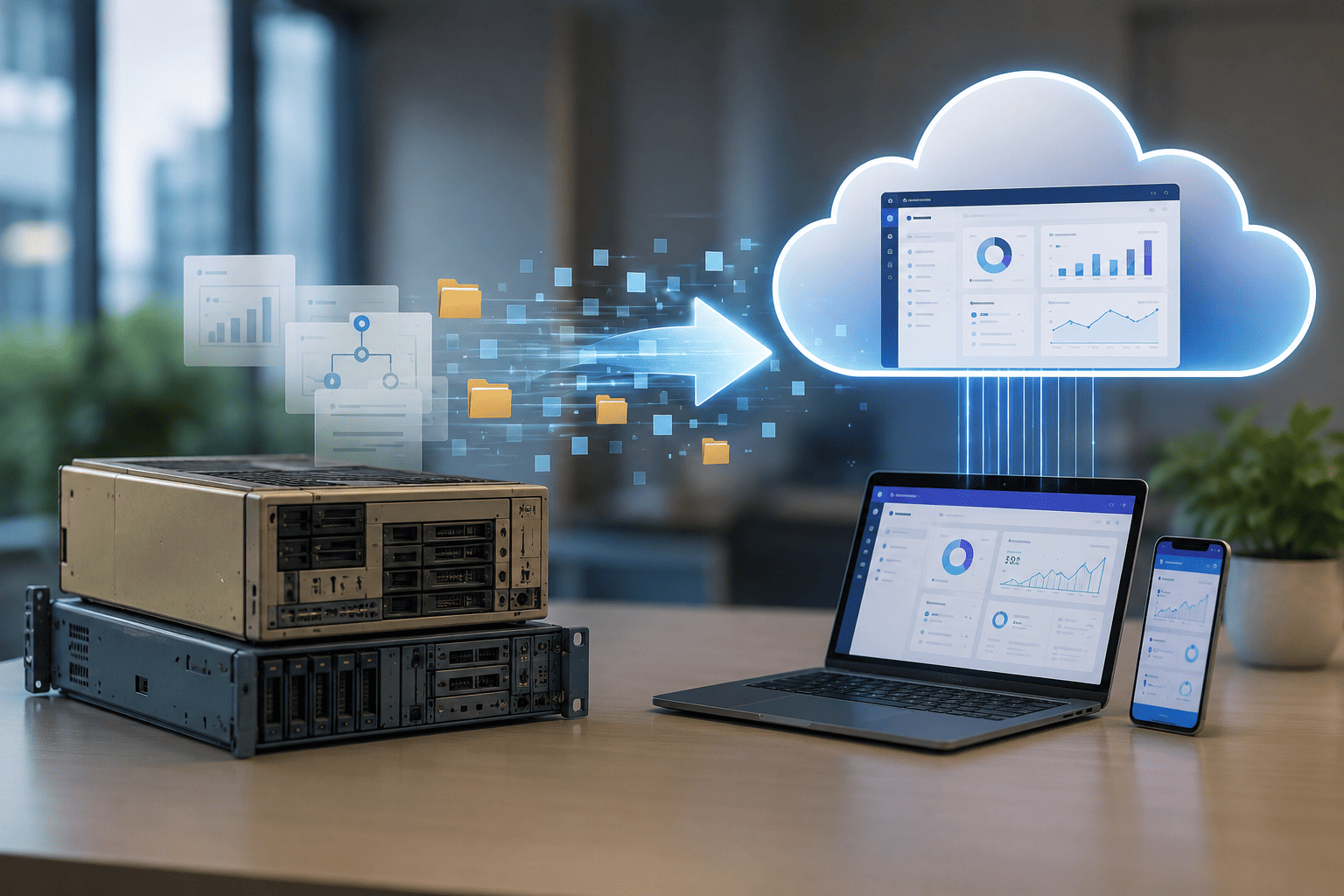
Legacy application migration to cloud is the process of moving an organization's outdated, on-premise applications, along with their data, integrations, and dependencies, onto a modern cloud environment such as AWS, Azure, or Google Cloud. Depending on the application, this can mean relocating it largely unchanged, or rebuilding parts of it to take full advantage of cloud-native capabilities.
Age alone does not make a system legacy. The better indicators are whether the vendor still supports the platform, whether the application can integrate with modern tools through APIs, whether security patches are still being released, and whether it can pass current compliance audits. A system showing several of these warning signs is a strong candidate for migration, regardless of how many years it has been in use.
Signs Your Legacy Application Needs to Move
Before committing to a migration project, it helps to confirm that the need is real rather than assumed. The following signs are common indicators that a legacy system has become a liability rather than an asset.
• Maintenance and support costs are consuming a growing share of the IT budget every year.
• The vendor has announced end-of-life or end-of-support for the platform.
• The application has little to no API surface, making integration with modern tools difficult.
• Every update or fix requires scheduled downtime, slowing down release cycles.
• Scaling means buying more hardware rather than simply adjusting capacity.
• The system has failed or been flagged during a compliance audit.
If two or more of these apply to your environment, it is worth building a structured business case for legacy to cloud migration rather than continuing to patch around the problem.
Common Challenges in Legacy Application Migration
Migrating legacy applications is rarely a purely technical exercise. It touches architecture, data, people, and process all at once, which is why so many migration projects run into friction. Understanding these challenges upfront makes it far easier to plan around them.
Architecture Complexity and Hidden Dependencies
Legacy applications are often tightly coupled, with components that depend on each other in ways nobody has documented. Attempting to move or refactor without understanding these dependencies can lead to broken integrations, data loss, or unplanned downtime. A thorough dependency mapping exercise before migration begins is non-negotiable.
Incompatibility with Modern Cloud Platforms
Many legacy systems run on outdated frameworks, proprietary databases, or middleware that cloud platforms do not support natively. Lifting these applications as-is often creates performance problems, scaling limitations, or vendor lock-in down the line.
Data Migration and Integrity Risks
Legacy databases are frequently siloed, inconsistent, or filled with duplicate and outdated records. Moving this data without cleaning and validating it first means carrying old problems into the new environment, undermining the value of the entire migration.
Skill Gaps and Resource Constraints
A successful migration calls for a blend of skills, cloud architecture, DevOps, security, and legacy system knowledge that most internal teams do not have all at once. This is one of the most common reasons enterprises bring in an experienced legacy application migration partner rather than attempting the project entirely in-house.
Resistance to Change
Employees who have used a legacy system for years are often comfortable with it, even when it is inefficient. Decision-makers can also hesitate, fearing disruption to processes the business has run on for a long time. Clear communication about the business benefits, along with involving users early in testing, goes a long way toward easing this resistance.
Unclear Business Case or ROI
Migration projects often stall when technical teams cannot connect the upgrade to measurable business outcomes. Without a clear case tied to cost savings, faster time to market, or reduced risk, the project struggles to get the funding and executive support it needs.
How to Migrate Legacy Applications to Cloud: A 7-Step Process
Every legacy application migration to the cloud looks a little different depending on the complexity of the systems involved, but the underlying process tends to follow the same logical sequence. Here are the seven steps that consistently lead to a successful outcome.

Step 1: Application Discovery and Assessment
Start by building a complete inventory of your application landscape, technical, functional, and financial. Map dependencies, identify which applications are business-critical, and evaluate the technical debt each one carries. This is also the stage where forgotten systems often surface, duplicate tools from past mergers, or shadow IT that nobody flagged. The clearer this inventory is, the easier every later step becomes.
Step 2: Cloud Readiness and SWOT Assessment
With your inventory in hand, assess how ready your organization actually is for the move. This covers technical readiness, architecture, data volume, integration complexity, and organizational readiness, staffing, skill gaps, and leadership alignment. A structured SWOT analysis at this stage uncovers risks and opportunities that a purely technical assessment would miss, and it gives you a realistic starting point for budgeting.
Step 3: Choose the Right Migration Strategy
Not every application needs the same treatment. Some can be moved as-is, others need adjustments, and some are better off being retired or replaced entirely. The widely used framework here groups strategies as rehost, replatform, refactor, repurchase, retain, and retire. Matching each application to the right strategy, rather than applying one approach across the board, keeps cost and risk under control.
Step 4: Select the Right Cloud Platform and Service Model
Once you know what each application needs, decide where it should live. This means choosing between public, private, hybrid, or multi-cloud environments, and deciding how much control you want to retain through Infrastructure as a Service, Platform as a Service, or Software as a Service. The right choice depends on your compliance requirements, in-house technical capacity, and long-term scalability goals.
Step 5: Run a Pilot Migration
Before committing the full application portfolio, migrate a smaller, representative workload first. This pilot reveals whether your assumptions about performance, cost, and integration hold up in practice. It also gives stakeholders a tangible result to evaluate before approving the larger rollout, which makes the rest of the project far easier to greenlight.
Step 6: Execute the Full Migration in Phases
With the pilot validated, move the remaining applications in planned waves rather than all at once. Group applications by complexity and business criticality, run old and new systems in parallel during cutover where possible, and keep a rollback plan ready for every wave. This phased approach limits the blast radius if something goes wrong and gives the team room to refine the process as they go.
Step 7: Monitor, Optimize, and Secure Post-Migration
Migration does not end at go-live. Set up continuous monitoring to catch performance and security issues early, validate that critical business processes are functioning as expected, and review cloud costs regularly to avoid budget creep. Security deserves particular attention here, including access controls, encryption, and ongoing compliance checks, since this is where many enterprises discover gaps they did not anticipate during planning.
Why ERP Modernization Belongs in Your Cloud Migration Plan
For many enterprises, the most business-critical legacy application in their portfolio is the ERP system. Order processing, inventory, finance, and supply chain operations often run through software that was implemented over a decade ago and has been patched together ever since. Migrating other applications to the cloud while leaving an aging ERP untouched leaves the most important part of the business still anchored to outdated infrastructure.
IFS ERP is built to give enterprises a cloud-ready foundation for exactly this kind of modernization. It brings together asset management, service operations, and project-driven workflows in a single platform designed for cloud deployment, which means businesses get the benefits of legacy application migration to the cloud, scalability, real-time visibility, and reduced infrastructure overhead, applied directly to the systems running their core operations. For manufacturing, asset-intensive, and project-based businesses in particular, modernizing the ERP alongside the rest of the application estate is what turns a cloud migration into a genuine business transformation rather than a purely technical exercise.
Why Highshine IT Solutions Is the Right Partner for Legacy Application Migration
A migration plan is only as good as the team executing it. Highshine IT Solutions brings hands-on experience across every stage of legacy application migration to the cloud, from the initial discovery and readiness assessment through to strategy selection, execution, and post-migration support.
We do not take a one-size-fits-all approach. The team takes time to understand how each business actually operates, what is driving the need to modernize, and which systems carry the most risk if handled carelessly. As a specialist in IFS ERP implementation, Highshine is particularly well positioned to help enterprises modernize their core operational systems alongside their broader application landscape, ensuring the ERP migration is treated with the same rigor as every other critical workload.
Whether you are migrating a handful of applications or modernizing an entire enterprise estate, we provide the structure, technical depth, and ongoing support to help the project succeed without disrupting the operations that depend on these systems every day.
Conclusion
Legacy application migration to the cloud is no longer a nice-to-have for enterprises serious about staying competitive. The businesses that approach it with a structured plan, clear assessment, the right migration strategy for each application, and a partner who understands both the technology and the business context come out the other side with systems that are faster, more secure, and genuinely built for what comes next.
If your organization is carrying legacy systems that are starting to hold back growth, the right time to start planning is now, not after the next outage or compliance gap forces the issue.
Frequently Asked Questions
1. What is legacy application migration to the cloud?
It is the process of moving outdated, on-premise applications, along with their data and integrations, to a modern cloud environment such as AWS or Azure, either relocating them largely unchanged or rebuilding parts of them to take advantage of cloud-native capabilities.
2. How long does legacy cloud migration take?
It depends heavily on complexity. A straightforward rehost can take a few weeks, while a mid-size replatform typically runs two to four months. Enterprise-scale refactoring projects involving multiple interconnected systems can take six to twelve months or more.
3. Which applications should be migrated first?
Start with lower-risk, less complex applications to build confidence and refine your process. Save your most business-critical systems, including ERP and other core platforms, for later waves once the team has proven the approach on smaller workloads.
4. What is the biggest risk in legacy application migration?
Undiscovered dependencies are consistently the biggest risk. Legacy systems often have integrations and data flows that were never fully documented, and these tend to surface mid-migration if a thorough discovery phase is skipped.
5. Can legacy applications be migrated without rewriting them?
Yes. Many legacy applications can be rehosted or replatformed without a full rewrite. Only refactoring, reserved for systems where the business case justifies a deeper investment, requires significant code changes.
6. Should ERP systems be included in a cloud migration plan?
Yes, and they often should be prioritized. ERP systems typically run the most critical business processes, so modernizing them as part of the broader migration ensures the most important part of the business benefits from cloud scalability and security, not just peripheral applications.
7. Why work with a legacy application migration partner instead of going in-house?
An experienced partner brings platform expertise, a proven migration methodology, and lessons learned from previous projects across industries. This significantly reduces the risk of scope creep, missed dependencies, and costly rework that often derail in-house attempts.
8. What industries benefit most from legacy application modernization services?
Manufacturing, asset-intensive industries, logistics, healthcare, and financial services tend to see the most significant gains, largely because their legacy systems are deeply embedded in daily operations and carry higher compliance and uptime requirements.


