Loading Experience...
Fill out the form and our experts will connect with you shortly to understand your business requirements.
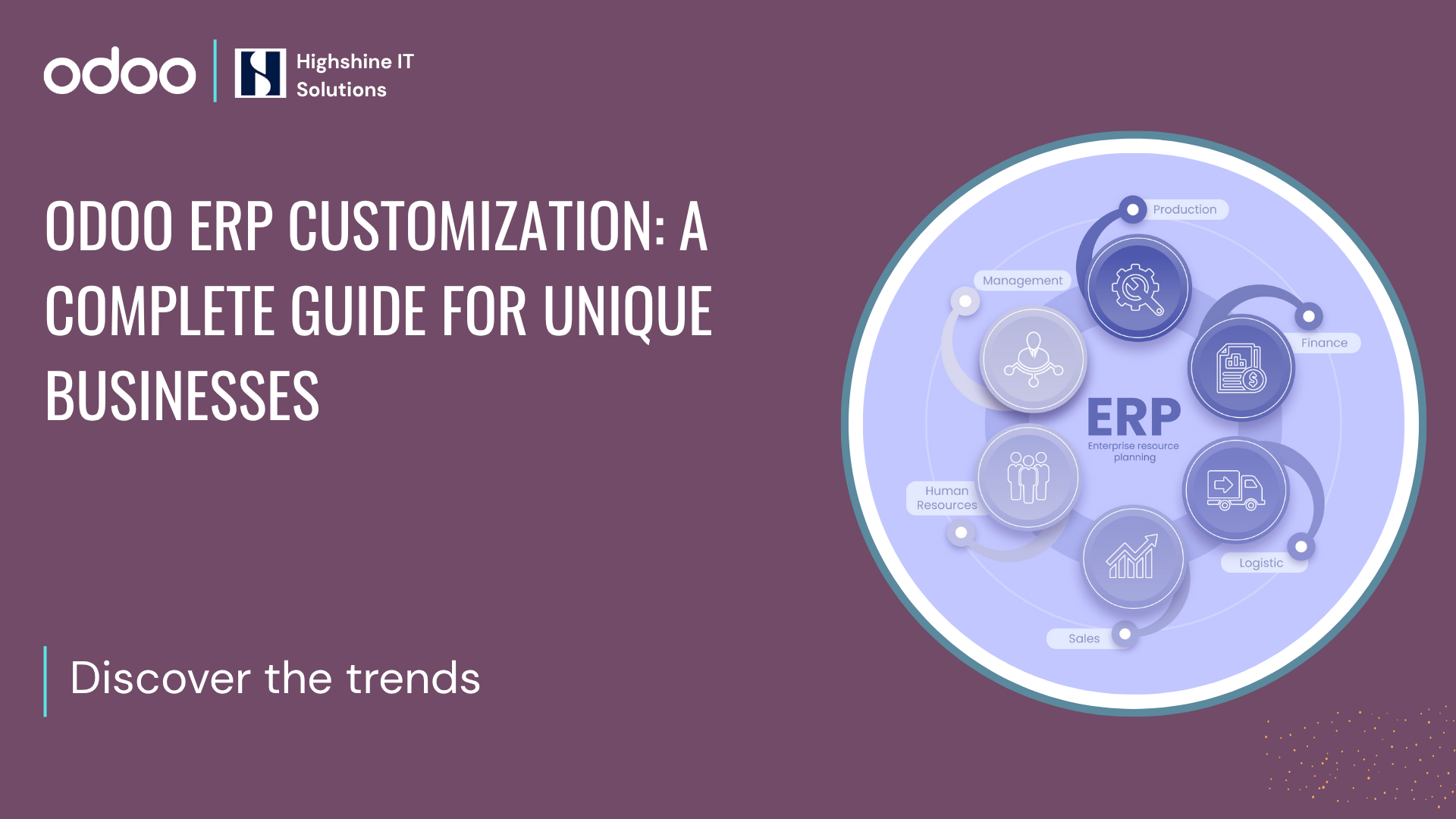
Running a growing business means dealing with workflows that don't match off-the-shelf software. Picture a manufacturing firm juggling custom production schedules while tracking inventory across multiple warehouses. Standard ERP tools often force awkward workarounds, slowing everything down. That's where Odoo ERP customization comes in. Odoo stands out as a flexible platform that lets you build a custom ERP solution without starting from scratch.
Generic setups might work for basic needs, but they fall short when your operations have unique twists. Odoo changes that by allowing tailored adjustments through its modules and development tools. In this guide, we'll walk through why customization matters, how to do it right, and what to watch out for. Why Standard ERP Doesn’t Fit Every Business
Every business operates differently. A trading company might need real-time supplier tracking, while a service firm prioritizes client billing cycles. Standard ERP systems push one-size-fits-all processes, creating friction.
Industry-specific requirements add another layer. Compliance in food manufacturing demands batch tracing; trading firms need fluctuating exchange rate handling. Without addressing these, you end up with operational gaps, manual spreadsheets, delayed reports, and frustrated teams. Odoo customization bridges those gaps, turning a solid base into something that fits your exact needs. Modular Structure of Odoo
Odoo’s real strength lies in its modular structure. It comes with 80+ core apps covering almost every business function - Inventory, Sales, CRM, Purchase, Manufacturing, Accounting, HR, Payroll, Project, Quality, Maintenance, POS, Field Service, Subscriptions, and more. Instead of installing everything at once, you choose the apps that fit your operations and configure them around your process.
For most businesses, nearly 70–80% of requirements can be handled using these pre-built apps with the right configuration.
For example:
Inventory can be configured for multi-warehouse management, batch tracking, barcode scanning, and reordering rules.
Sales can be set up for subscription billing, customer-specific pricing, discount approvals, and automated invoicing.
Manufacturing can manage multi-level BOMs, work orders, routing, and quality checkpoints.
Purchase can include multi-level approval flows and vendor comparison logic.
HR and Payroll can automate attendance-based salary calculations and leave management.
Accounting can handle automated tax rules, payment follow-ups, and bank reconciliation.
By using these predefined workflows and adjusting them carefully, businesses avoid unnecessary development costs while still achieving effective ERP customization for small businesses. Automate Workflows That Match Your Reality
Every business follows its own process. When software forces rigid steps, teams end up adjusting their work instead of improving it.
Take a service company. Their flow from quote to invoice may involve internal approvals and advance payments. Instead of using a fixed template, Odoo can be customized to:
Automatically trigger approvals when higher discounts are applied.
Create projects automatically after quotation confirmation
Send automated payment reminders
Similarly, in manufacturing or trading:
Purchase orders can follow multi-level approvals
Production can begin once materials are available
Reordering can trigger automatically
Quality checks can be made mandatory before delivery
When workflows reflect real business processes, operations become smoother and manual follow-ups are reduced significantly.
Custom Reports & Dashboards
Standard reports rarely answer all business questions. That’s why we build dashboards based on what management actually wants to see every day.
For manufacturing clients, useful reports often include:
Production yield and rejection rate reports
Machine-wise output performance
Work order status tracking
Raw material consumption vs BOM comparison
Batch-wise traceability reports
Production cost vs actual margin analysis
For retail and trading businesses, common reports include:
Sales by channel (retail, distributor, online)
Product-wise and category-wise profitability
Fast-moving and slow-moving stock reports
Stock aging analysis
Purchase vs sales comparison
Branch-wise performance reports
These dashboards are role-based, easy to read, and exportable when needed. With proper Odoo development services, reports become decision-making tools instead of just data sheets.
Third-Party Integrations
Odoo integration connects easily with many commonly used business tools, helping companies build a seamless custom ERP solution. It offers default integrations with payment gateways like Stripe and PayPal, e-commerce platforms such as Shopify, CRM tools like HubSpot, accounting software including QuickBooks, shipping providers such as UPS, FedEx, and DHL, marketplaces like Amazon and eBay, and tools like Google Calendar.
For tools not supported by default, custom integrations can be developed. For example, integrating Tally with Odoo for accounting sync or connecting biometric attendance systems for real-time payroll processing. This allows Odoo to act as a central system while still working smoothly with the software your business already relies on.UI Personalization
An ERP system should be simple for the people who use it every day. If screens are cluttered or filled with unnecessary fields, teams lose time and interest. With Odoo ERP customization, the interface can be cleaned up and tailored to your workflow. We can hide unused fields, simplify forms, and add quick-access buttons so users can complete tasks faster.
For businesses with field teams, access is even more critical. Sales staff, service technicians, and shop-floor supervisors may not always have access to a desktop system. With the Odoo mobile app, they can update orders, check stock, record job progress, or confirm deliveries directly from their phones. This keeps data accurate and reduces dependency on office coordination.
We can also adjust the interface to reflect your company's identity by adding your logo, aligning colors with your brand, and customizing dashboards based on your industry. When the system feels familiar and easy to use, adoption improves naturally.
Automation & Approval Flows
Clear approval control helps businesses avoid costly mistakes while keeping operations smooth.
In Odoo, you can set rules such as purchases above $5,000 requiring director approval or automatic stock reordering based on sales forecasts. You can also configure approvals for high discount sales orders, vendor payments above a limit, new vendor creation, production confirmations, and expense claims based on amount slabs.
By default, Odoo includes an Approvals app that manages standard approval requests. For more specific needs like multi-level approvals, department-wise routing, value-based escalation, or conditional approvals, custom workflows can be built beyond the standard setup.
The idea is simple: maintain control without slowing down the business.
Real-World Examples of Odoo ERP Customization
A CNC manufacturing client needed strict traceability of raw materials and finished goods. Their key challenge was tracking heat numbers of raw materials and linking them to the trace codes of finished products.
Whenever a customer reported an issue, the team had to manually check production records and verify the raw material vendor. This process was slow and stressful.
We customized their supply chain in Odoo by:
Adding heat number tracking at the raw material level
Assigning trace codes to finished goods
Connecting purchase, inventory, production, and delivery through a structured traceability workflow
Now, if a product issue arises, they can instantly trace the raw material batch and vendor details. This improved response time, accountability, and quality control.
2. Biometric Attendance Integrated with Payroll
Another manufacturing client with a large blue-collar workforce was handling attendance and payroll manually, leading to calculation errors and delays.
We integrated their biometric attendance device with Odoo so that:
Attendance is captured in real time
Data flows directly into payroll
Salaries are calculated automatically based on working hours
This removed manual payroll calculations, reduced disputes, and made the entire process faster and more accurate.
Steps to Customize Odoo the Right Way
Customization isn't guesswork; follow a structured path for success.
1. Understand your current workflow
Map how your teams actually work today (sales, purchase, production, finance, etc.).
2. List your real pain points
Identify what is slowing down operations, causing manual work, or creating errors.
3. Use standard Odoo features first
Configure existing Odoo modules before deciding on custom development.
4. Define what truly needs customization
Finalize only the requirements that cannot be solved through settings or apps.
5. Build and test in phases
Customize module-by-module and test each flow with real business scenarios.
6. Train users and document everything
Simple training + documentation helps teams adopt the system faster.
7. Go live and monitor performance
Track issues, user feedback, and process gaps during the first few weeks.
Common Mistakes Businesses Make:
Even smart teams trip up. Spot these to stay on track.
Over-customization: Building everything from scratch increases cost, complicates upgrades, and adds long-term maintenance pressure. Odoo ERP Customization should only be done when it is truly necessary for business operations, not just because the process looks slightly different. Choosing the wrong partner: Firms without Odoo expertise deliver half-baked work, leading to rework.
Skipping documentation: Without process maps, new hires flounder, and audits become nightmares.
Ignoring scalability: What works smoothly for a small team can become a bottleneck as the business grows. For example, a company may design approval workflows assuming just one branch and a single warehouse. But when the business expands to multiple locations, that same setup may struggle to handle multi-branch stock transfers, centralized purchasing, or inter-company transactions. What once felt simple suddenly becomes restrictive.
Avoiding these keeps your investment paying off long-term.
How to Choose the Right Odoo ERP Implementation Partner
Choosing the right Odoo implementation partner can determine whether your ERP becomes a business asset or a daily struggle. Here’s what truly matters:
1. Proven Experience
Work with a partner who has successfully delivered multiple ERP implementations. Ask for real case studies or client references. Experience reduces risk.
2. Industry Understanding
Your partner should understand your industry processes. This helps them recommend the right Odoo modules, avoid unnecessary customization, and align the system with your operational needs.
3. Clear Communication
ERP projects take time. A reliable partner sets realistic timelines, gives regular updates, and explains technical matters clearly. Good communication keeps the project smooth.
4. Responsible Customization
Not every requirement needs custom code. The right partner evaluates whether a need can be handled through standard Odoo features before suggesting development.
5. Long-Term Support
ERP doesn’t end at go-live. Make sure your partner offers ongoing support, upgrades, and future enhancements.
The right Odoo partner doesn’t just implement software; they build a system that supports your business growth.
Make Your ERP Work for You
Your business isn't generic, so your ERP shouldn't be either. Odoo lets it adapt to your workflows, industry quirks, and growth plans, handling everything from custom reports to POS integrations.
If unique challenges are holding back your operations, chatting with an experienced team can clarify next steps. Reach out for a no-obligation discussion on tailoring Odoo to your setup.
Final Thoughts:
The goal isn’t to build a complicated system. It’s to build a system that feels natural to your team. If you are looking for an Odoo partner who is an expert in Odoo customization as well as implementation, Highshine will act as a front-runner for you. We are equipped with both technical and functional consultants who can figure out the right Odoo ERP solutions for your business.