


 Hari Gautham Somasundaram
 08/04/2026
 Odoo
Odoo 0 Comments
Best Restaurant POS Software: Why Odoo Is the Right Choice
Best Restaurant POS Software: Why Odoo Is the Right Choice
The dining industry is evolving faster than ever. For restaurant owners, the secret to staying ahead isn't just about the menu; it’s about how efficiently the "back of the house" communicates with the "front of the house." While many shops still rely on legacy systems, the shift toward comprehensive restaurant management software has become a necessity for survival. Among the sea of options, Odoo has emerged as a powerhouse, offering a seamless blend of point-of-sale ease and robust enterprise resource planning.
Challenges Restaurants Face Without an Integrated POS System
Running a restaurant with fragmented tools is like trying to cook a five-course meal with one burner. When your sales data doesn’t talk to your inventory, and your kitchen staff is disconnected from the floor, chaos ensues. Without an integrated restaurant POS software, managers often find themselves manually reconciling sales at the end of the night, leading to human error and lost revenue.
Data silos prevent a clear view of profit margins. You might know what sold today, but without integration, you won’t know exactly how much those sales cost you in raw ingredients until it’s too late. This lack of real-time insight often results in overstocking perishable items or the dreaded "item unavailable" apology to a customer. Furthermore, slow communication between the table and the kitchen increases wait times, directly impacting the guest experience.
How Odoo POS Connects with Restaurant ERP Software

The true magic of Odoo lies in its "all-in-one" DNA. Unlike standalone apps, Odoo restaurant POS software functions as a module within a larger ecosystem. This means your POS isn’t just a cash register; it is a gateway to your entire business database. When a waiter confirms an order, the system instantly communicates with the restaurant ERP software to adjust financial ledgers, update stock levels, and even trigger procurement requests if supplies are low.
This connectivity ensures that every department works from a single source of truth. Marketing can see which dishes are trending to create targeted promotions, while accounting can track real-time cash flow without waiting for weekly reports. By bridging the gap between front-end transactions and back-end operations, Odoo eliminates the need for expensive third-party integrations that often break during updates.
Core Features of Odoo POS for Restaurant Management
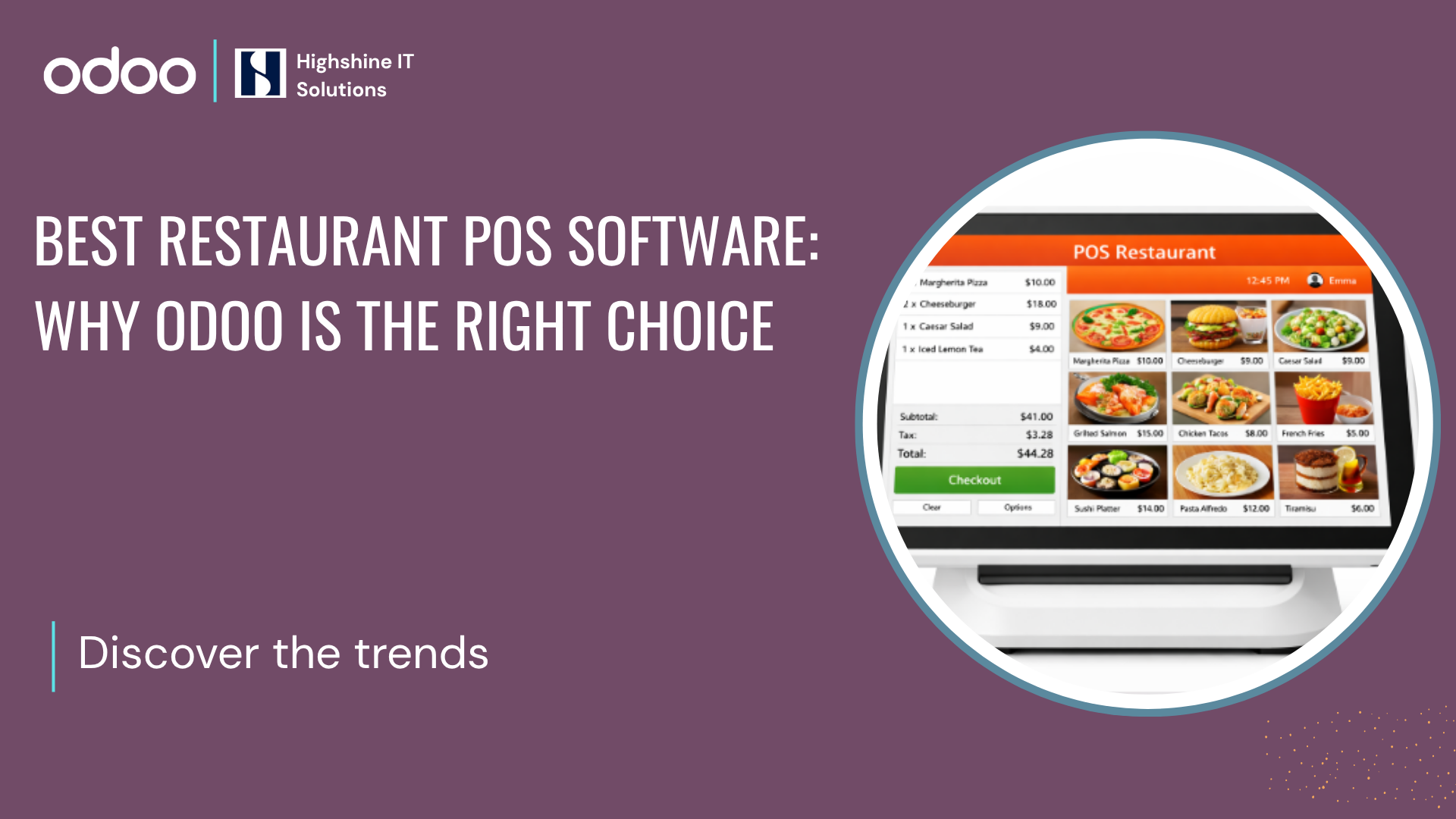
Odoo is designed with the high-speed environment of a kitchen in mind. Its interface is touch-optimized, allowing servers to split bills, handle complex modifiers (like "extra cheese" or "no onions"), and manage orders with just a few taps. One of the standout aspects of Odoo Point of Sale for Restaurants is its offline capability. If the internet goes down during a busy Friday night, the system keeps running, syncing all data to the cloud once the connection is restored. This prevents downtime and ensures you never miss a sale.
Odoo Kitchen Display System (KDS)

In a traditional setup, the "shouting chef" and lost paper tickets are common sights. Odoo transforms this workflow with its digital Kitchen Display System. Instead of relying on thermal printers that can jam or run out of paper, orders are sent instantly to large, easy-to-read screens in the kitchen. This ensures that the chefs receive clear, legible instructions the second an order is placed at the table.
The KDS allows for sophisticated order routing. For instance, a single order containing a steak and a cocktail can be automatically split, sending the steak to the grill station screen and the drink to the bar monitor. Chefs can track "time-in-system" for each ticket, ensuring that no guest is left waiting too long. Once a dish is marked as ready on the screen, the server receives a notification, ensuring the food reaches the table while it’s still at the perfect temperature. This digital synchronization reduces noise, eliminates errors, and creates a much calmer, more professional kitchen environment.
Table Management and Billing Automation with Odoo

A well-organized floor plan is the backbone of efficient service. Odoo allows managers to create a digital twin of their dining area, complete with multiple floors and outdoor seating. Servers can see at a glance which tables are occupied, which are waiting for their check, and which have been vacant for too long.
Billing automation further streamlines the process. Whether a group wants to split the bill by person or by item, Odoo handles the math instantly. Payments can be processed through various methods, such as credit cards, mobile wallets, or loyalty points, reducing the time customers spend waiting for their meal. This faster turnover rate means you can serve more guests during peak hours without increasing your staff count.
Inventory and Ingredient Tracking with Odoo ERP
Food waste is the silent killer of restaurant profits. Odoo’s inventory and ingredient tracking allows you to track stock down to the gram. By linking your recipes to the POS, every time a dish is sold, the system automatically deducts the precise weight of ingredients used.
Real-time Alerts: Get notified when high-value ingredients fall below a certain threshold.
Automated Replenishment: Set rules to automatically send purchase orders to vendors.
Waste Management: Track spoiled or returned items to identify patterns and reduce loss.
Multi-Branch Restaurant Management with Odoo
Scaling a restaurant brand is notoriously difficult, but Odoo simplifies the oversight of multiple locations. From a single dashboard, a business owner can compare the performance of branches in different cities. You can push menu updates, change pricing, or launch a loyalty program across all branches simultaneously. Centralized purchasing also allows for better bargaining power with suppliers, as you can aggregate the needs of all locations into a single, high-volume order.
Odoo POS Hardware Compatibility for Restaurants
Flexibility is a key advantage when it comes to Odoo POS hardware. You aren't locked into a proprietary, overpriced ecosystem. Odoo is a web-based platform, meaning it can run on:
Tablets: iPads or Android tablets for tableside ordering.
Industrial Terminals: Standard touch-screen POS monitors.
Peripheral Support: It easily connects with receipt printers, barcode scanners, and IoT boxes for kitchen displays.
How to Implement Odoo POS for Restaurant Businesses
The transition to a new system might seem daunting, but Odoo’s modular nature allows for a phased rollout. Most businesses start by configuring their floor plan and uploading their menu. Once the basic POS is live, you can begin integrating the more advanced restaurant ERP software features like accounting and automated purchasing.
Tailoring the System: Customization in Odoo POS
Every restaurant has a unique "flavor" and operational flow, which is why a one-size-fits-all solution rarely works. Odoo stands out because it is highly customizable, allowing you to tweak the software to match your specific business logic. Whether you run a high-end fine dining establishment or a fast-paced food truck, you can adapt the interface and workflows to suit your team.
Custom Interface & Menus: Arrange your categories, colors, and button layouts to match your most popular items, reducing the number of clicks a server needs to make.
Workflow Adjustments: Define specific paths for orders, such as routing drink orders to the bar and food orders to specific kitchen stations (e.g., grill vs. pastry).
Personalized Reports: Create custom dashboards that track the KPIs most important to you, such as "Server of the Month" stats or specific ingredient waste percentages.
Unique Loyalty Programs: Design your own reward systems, from simple point-based cards to complex tiered memberships that integrate directly with your customer database.
Why Odoo is the Right POS and ERP Solution for Your Restaurant
In conclusion, the best restaurant management software is one that grows with you. Odoo provides the simplicity a small cafe needs today, and the complex analytical power a multi-national franchise will need tomorrow. By combining sales, inventory, accounting, and CRM into a single platform, you spend less time wrestling with software and more time focusing on your food and guests.
Frequently Asked Questions (FAQs)
1. Can Odoo POS handle online orders and deliveries?
Yes. Odoo’s POS can be integrated with your website and third-party delivery platforms. This ensures that online orders are sent directly to the kitchen display just like in-house orders.
2. Does Odoo work if the internet is unstable?
Absolutely. Odoo Point of Sale for Restaurants works offline. You can continue to take orders and process payments; the data will automatically sync once the connection is restored.
3. Is it difficult to customize the interface?
No, Odoo uses a "Studio" tool and simple configuration settings that allow you to drag and drop elements, making it easy to tailor the system without deep technical knowledge.
4. What kind of hardware do I need for Odoo?
Since Odoo is browser-based, you can use any device with a modern web browser, including tablets and professional touch-screen terminals.


