


 Hari Gautham Somasundaram
 27/03/2026
 Odoo
Odoo 0 Comments
Odoo Integration with Third-Party Applications: A Complete Guide
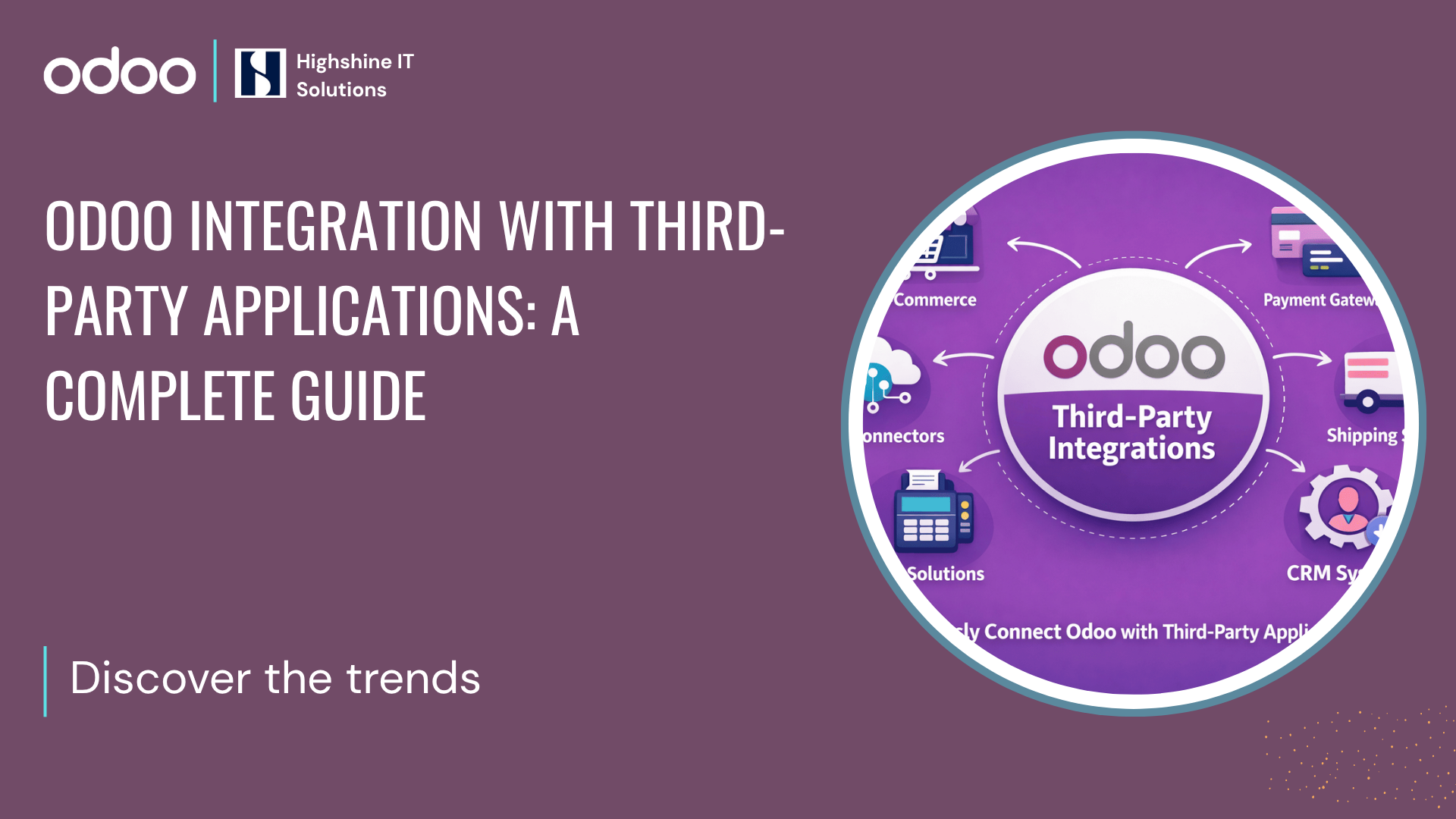
In the modern business landscape, no software is an island. While Odoo is arguably the most versatile ERP on the market, its true power is unlocked when it talks to your existing tools. Whether you are scaling an online store or tightening your financial reporting, knowing how Odoo integration with third-party applications can make a difference between a fragmented workflow and a "single source of truth."
This guide explores the architectural methods, key categories, and strategic reasons for connecting Odoo to the rest of your tech stack.
When Do You Need These Third-Party Applications?
Odoo ERP is designed as an integrated business platform. It already includes modules for accounting, CRM, sales, inventory, marketing automation, eCommerce, HR, and project management. Because of this, many businesses can run their entire operation inside a single Odoo environment without relying on external tools.
However, not every organization starts with a fully integrated system. Many companies operate with multiple standalone applications for different functions. In these situations, integrating third-party applications with Odoo becomes important to maintain smooth data flow across systems.
Here are some common situations where businesses require third-party integrations.
Businesses Using Multiple Standalone Systems
Many companies already use separate tools for different departments. For example, a business might use payment gateways to handle deliveries through various delivery provider platforms, process transactions Shopify for online sales, and a separate CRM for managing customers. While these tools may work individually, they are not naturally connected.
As a result, teams often need to manually transfer information between systems. Sales data may need to be entered into accounting software, inventory may need to be updated separately, and financial reports may require manual consolidation.
In such cases, integrating these systems with Odoo helps create a connected workflow where information flows automatically between applications.
When Businesses Want to Keep Existing Software
Sometimes organizations are comfortable with the tools they already use. For instance, a company may have been using Tally for accounting for many years and may not want to immediately replace it. At the same time, they might adopt Odoo for CRM, sales management, or inventory operations.
Instead of forcing a complete software replacement, businesses often integrate their existing tools with Odoo so both systems can work together. This allows them to continue using familiar software while still benefiting from Odoo’s broader ERP capabilities.
The Technical Foundation: How Integration Works
Before we dive into categories, as an Odoo developer, you must understand the "how." Odoo 19 has moved toward high-performance standards, prioritizing JSON-RPC and the new REST API (JSON-2).
API-Based Integration: The most robust method. Using Odoo’s external API, third-party apps can "talk" directly to your Odoo database to read or write records.
Webhooks: Ideal for real-time triggers. For example, when an order is placed on an external site, it "pings" Odoo to create a sales order instantly.
Odoo Connectors: These are pre-built modules (like the Odoo-Amazon connector) that handle the heavy lifting with minimal custom code.

Top Odoo third-party integration API’s
Odoo already provides a wide range of built-in modules such as CRM, accounting, marketing automation, and eCommerce. However, many organizations still integrate third-party applications either because they already use those tools or because they require specialized capabilities.
1. eCommerce: Building a Unified Storefront
Platforms: Shopify, Magento, WooCommerce, PrestaShop, BigCommerce
In a world where "Out of Stock" can mean a lost customer for life, your Odoo backend must be the brain of your online store. Integrating your eCommerce platform ensures that when a customer clicks "Buy" on Shopify or WooCommerce, the inventory is instantly reserved in Odoo. This prevents overselling, automates invoice generation, and ensures that your warehouse team sees the order the second it’s placed. It turns your website from a simple catalog into a high-performance sales engine.
2. CRMs: Bridging Sales and Operations
Platforms: Salesforce, HubSpot, Zoho, Microsoft Dynamics 365
Sales teams live in their CRM, but operations live in Odoo. By bridging the two, you eliminate the "information silo." When a deal is marked as "Closed-Won" in Salesforce or HubSpot, Odoo can automatically trigger a sales order, a project task, or a manufacturing requirement. Your sales reps gain 360-degree visibility into whether an order has been shipped or if an invoice is overdue, all without ever leaving their favorite CRM interface.
3. Payment Gateways: Simplifying Global Transactions
Gateways: Stripe, PayPal, Razorpay, Authorize.Net, Adyen
Cash flow is your business's pulse. Integrating gateways like Stripe or Razorpay directly into Odoo invoices makes it incredibly easy for customers to pay you. Once a payment is successful, Odoo automatically reconciles the transaction, marks the invoice as paid, and updates your ledger. It removes the friction of manual bank reconciliation and gives your customers the secure, "one-click" experience they expect in 2026.
4. Shipping & Logistics: Mastering the Last Mile
Carriers: ShipStation, DHL, FedEx, UPS, USPS, ShipRocket
Logistics is often where the most "human error" occurs. Integrating with FedEx or ShipStation allows you to fetch live shipping rates, print labels, and generate tracking numbers directly from your Odoo warehouse screen. No more copy-pasting addresses into carrier portals. Plus, the moment a label is scanned, Odoo can send an automated "Your package is on the way!" email to the customer, keeping them informed every step of the journey.
5. Marketing Tools: Personalized Engagement at Scale
Tools: MailChimp, SendGrid, Twilio, WhatsApp API
Data-driven marketing is only as good as the data. By connecting Odoo to MailChimp or the WhatsApp API, you can stop sending "blast" messages and start sending personalized offers. Imagine a system that automatically sends a WhatsApp discount code to a customer who just bought a specific product category in Odoo. It transforms your marketing from "noise" into a helpful, timely conversation that drives repeat business.
The Role of Middleware: Zapier and n8n
Sometimes, a direct API connection is too expensive or complex to build. This is where middleware comes in. Platforms like Zapier or n8n act as translators between Odoo and 5,000+ other apps. They are perfect for simple "If This, Then That" workflows, such as "If a new lead is added in Odoo, send a notification to a Slack channel."
Security Best Practices for Odoo Integrations
Security is often overlooked until it's too late. In 2026, you should never use your admin password for integrations. Instead, utilize Odoo API Keys. These are unique codes that can be revoked at any time without changing your actual login credentials. This keeps your Core Foundation Update secure and your data protected from unauthorized API calls.
Why Choose Highshine for Your Odoo Integration Services?
Integrating systems is 20% coding and 80% business logic. At Highshine, we don't just "plug things in."
Deep Technical Expertise: Our team has strong expertise in Odoo architecture and integrations, leveraging efficient API protocols to deliver reliable and scalable solutions.
Business-First Approach: Our analysts map your workflow before writing a single line of code to ensure the integration solves a real problem.
Post-Launch Support: An integration that breaks is worse than no integration at all. We provide 24/7 monitoring to ensure your data keeps flowing.
Frequently Asked Questions (FAQs)
1. Will integrating third-party apps slow down my Odoo performance?
If done correctly using asynchronous webhooks or scheduled batching, there is zero impact on your user interface speed. Our developers ensure that heavy data transfers happen in the background so your team can work without lag.
2. Can I integrate Odoo with my local, custom-built legacy software?
Yes. Odoo’s external API is language-agnostic. Whether your old system is built on .NET, Java, or PHP, we can build a custom "bridge" or middleware to sync the data.
3. Is it better to use a paid "connector" app or build a custom integration?
If you need standard features for a popular app (like Shopify), a paid connector is often cheaper and faster. However, if you have unique business rules or need to sync custom fields, a custom Odoo integration is the better long-term investment.


